Content workflows at volume

Not just video editor.
A content pipeline.

haus video is a web platform for teams producing video at scale. Admins author templates with effects, sequences, and exposed properties. Teams publish without touching a timeline. Pipelines do the rest. This is our technical moat. Anyone can replicate a video NLE in a web browser, but few have the operational and agency experience to deliver workflows.
haus video platform
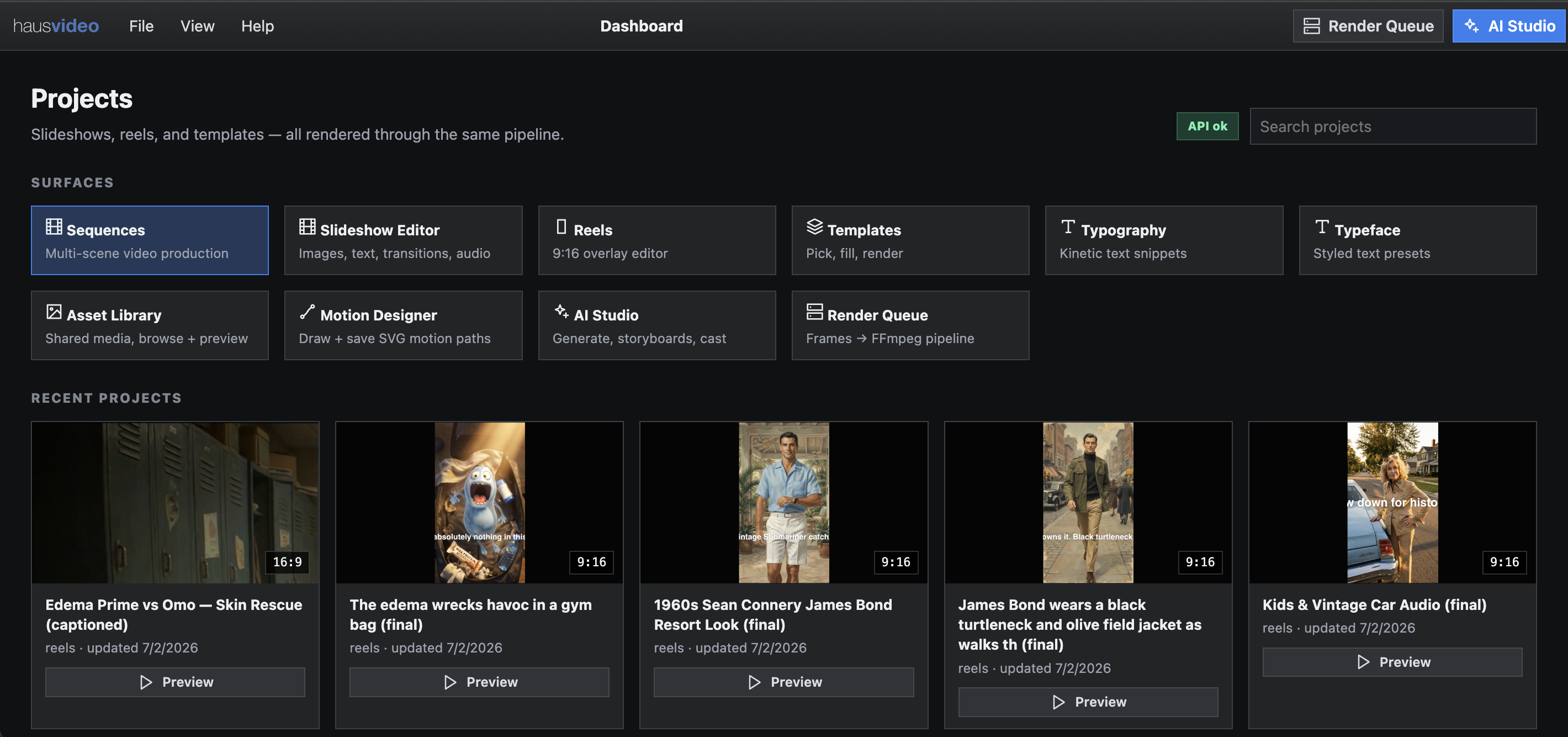
haus video platform overview
Templates

Admins build.
Everyone else publishes.

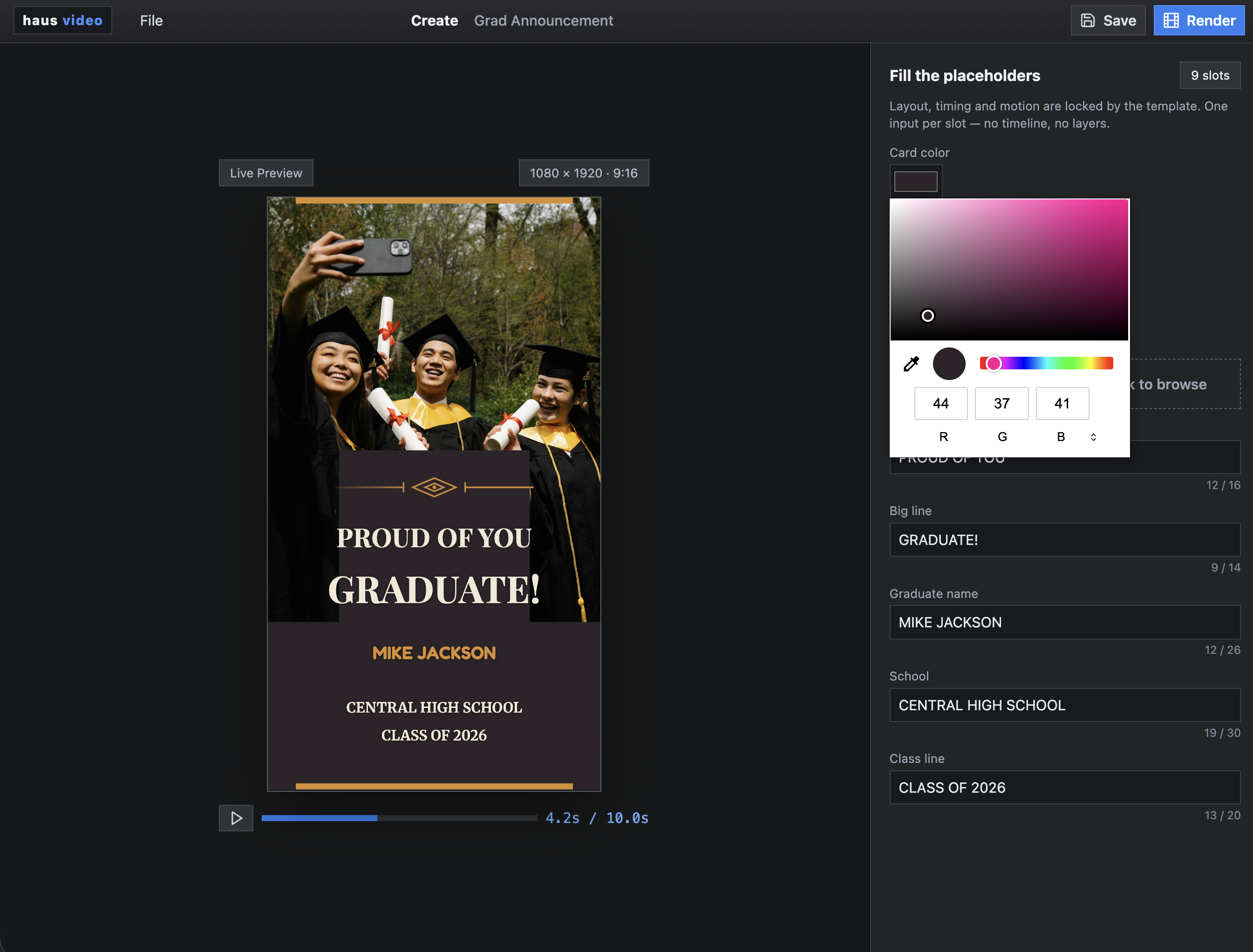
Create 16:9 or 9:16 vertical reel templates in a full authoring environment. Add effects, configure media, then expose the properties you want end users to control — colors, text, logo, clip, or anything else. An admin might build a template as a blue card. A user whose school uses brown configures it to match. Same structure, entirely their look.

  • 16:9 and 9:16 formats with full motion graphics authoring
  • Any property is exposable — colors, headline, logo, clip, timing — users edit what you allow
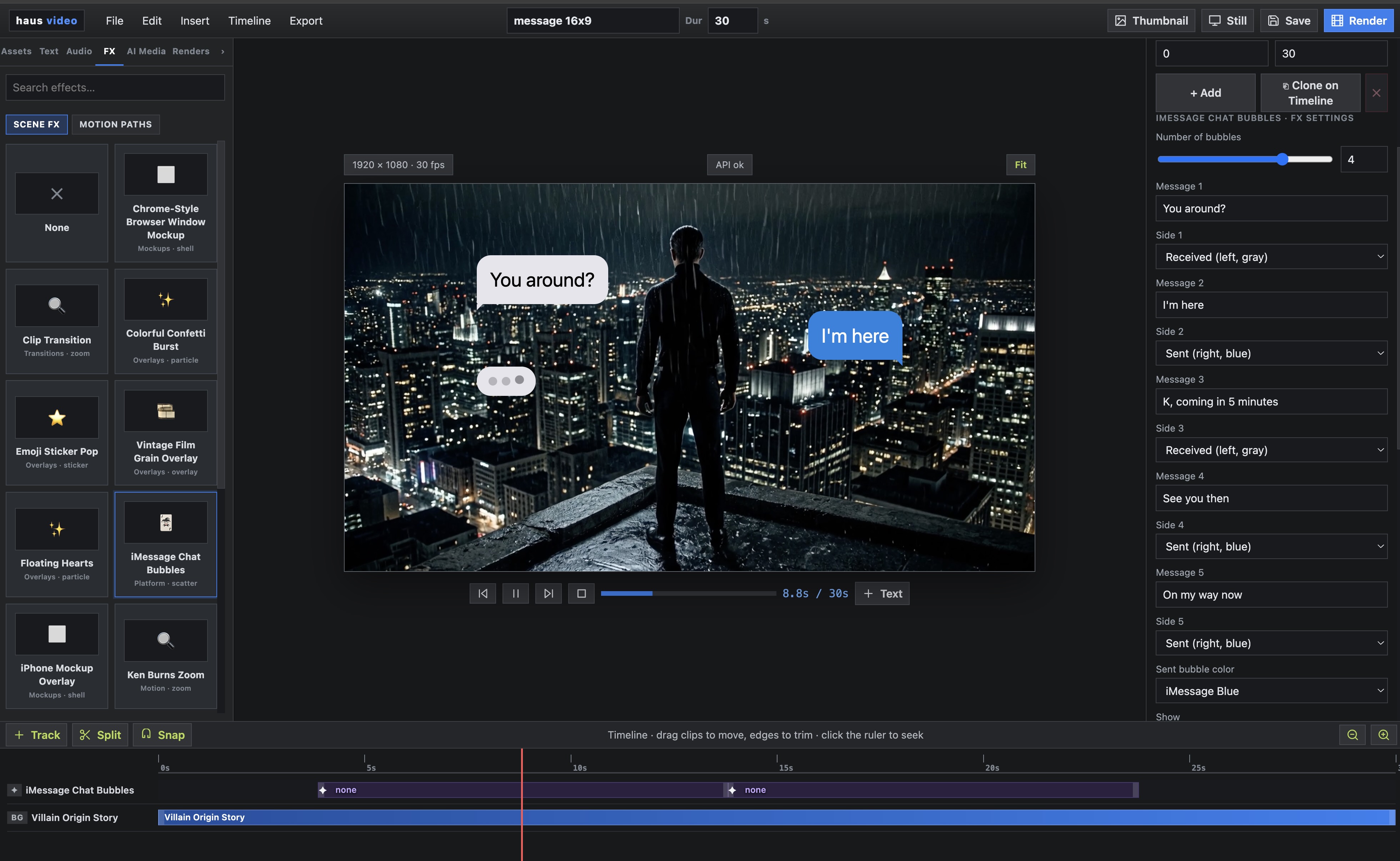
  • Effect library built in: kinetic type, hand-drawn reveals, chat overlays, and more
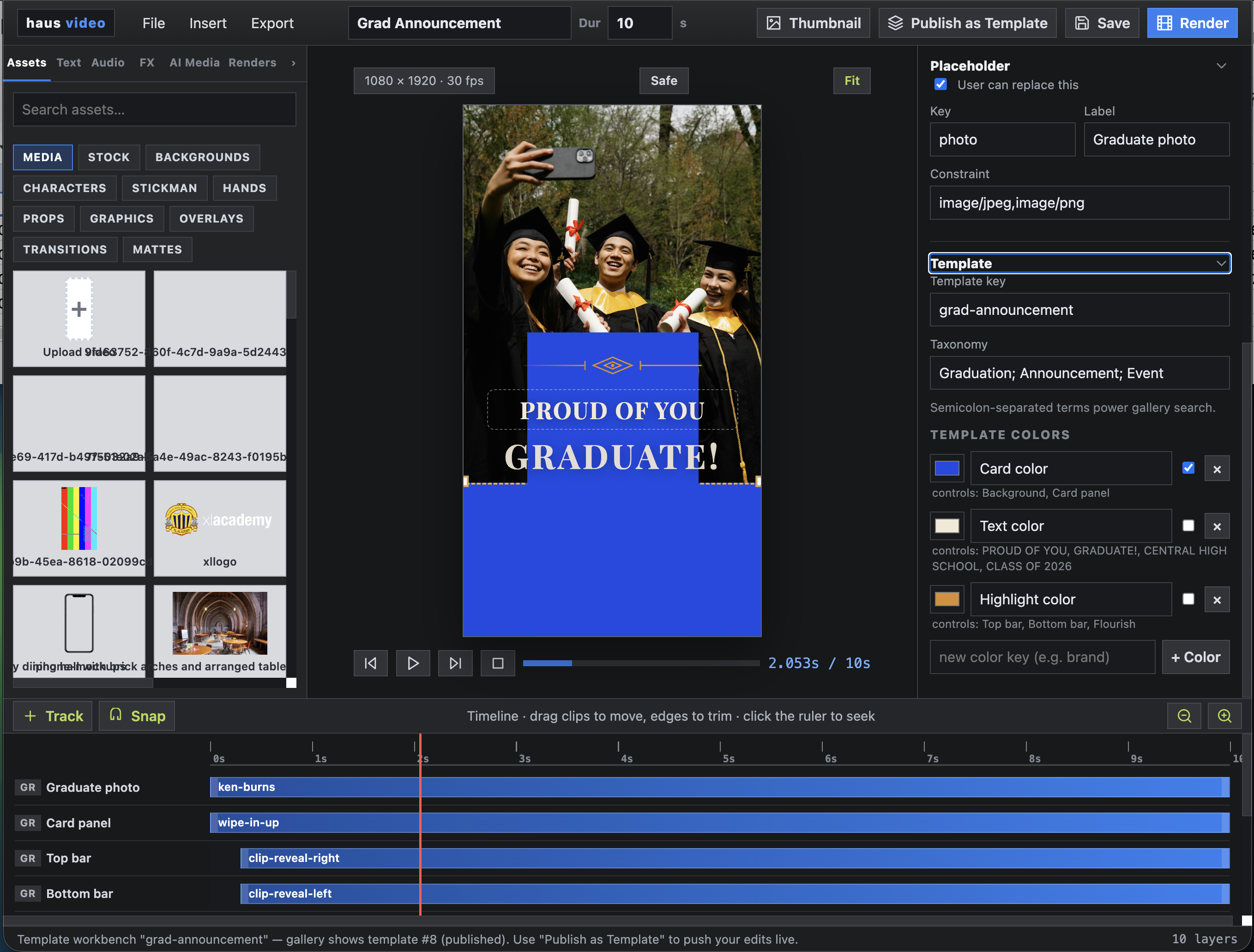
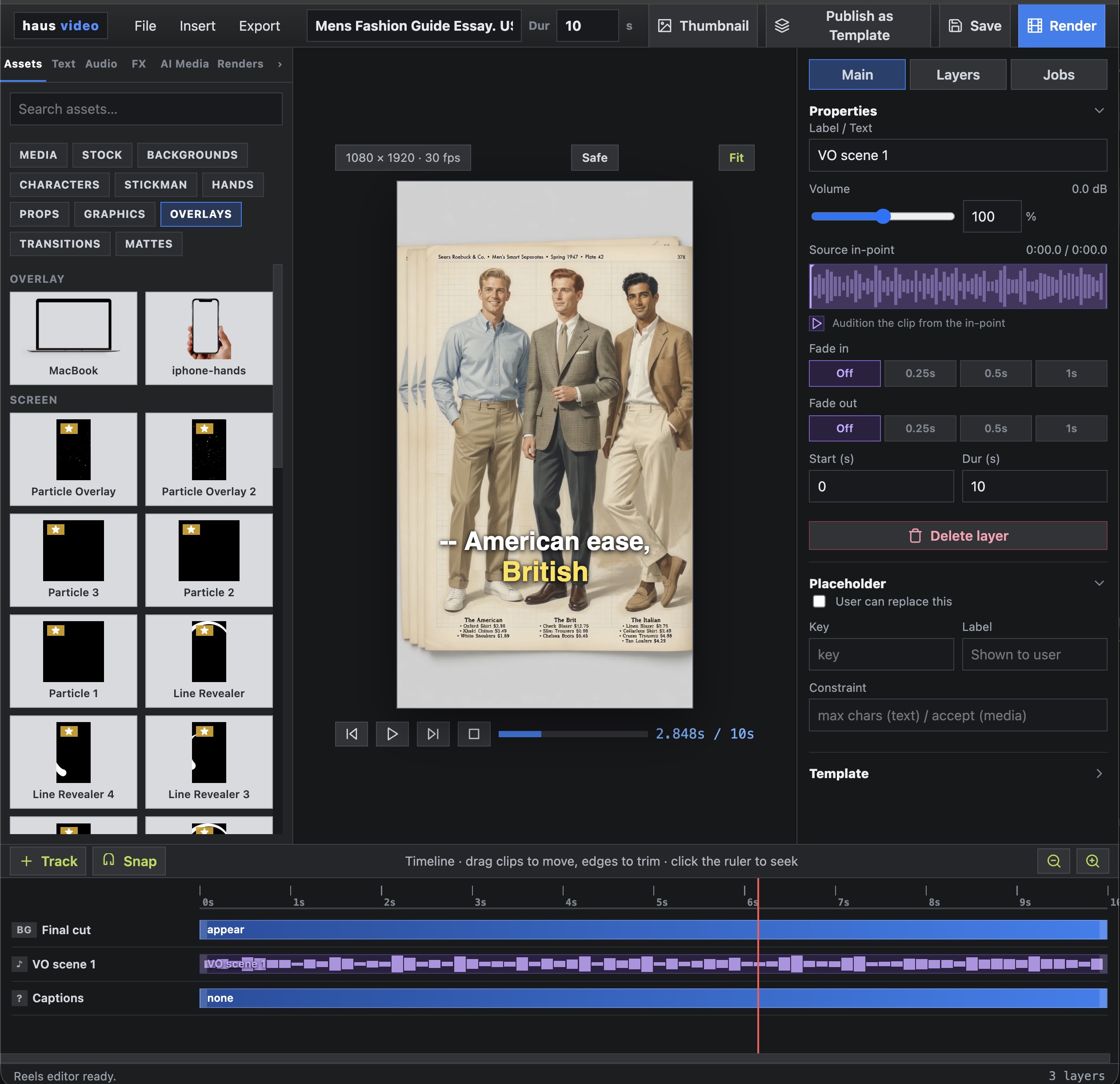
Admin authoring layer — building and configuring a template
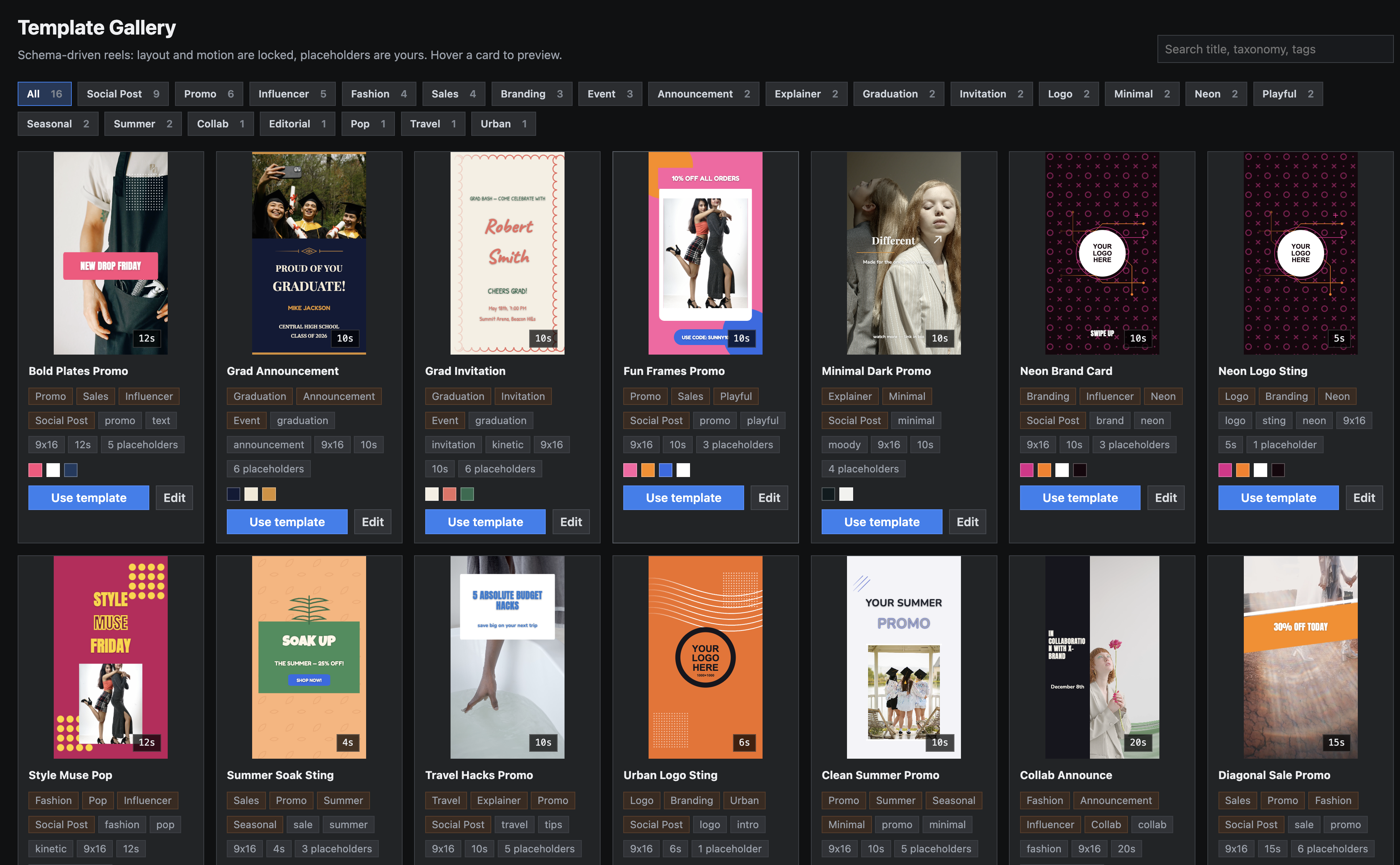
Template gallery — users browsing available templates
User interface — editing exposed fields in a template
9:16 vertical reel format
Asset tray — media browser
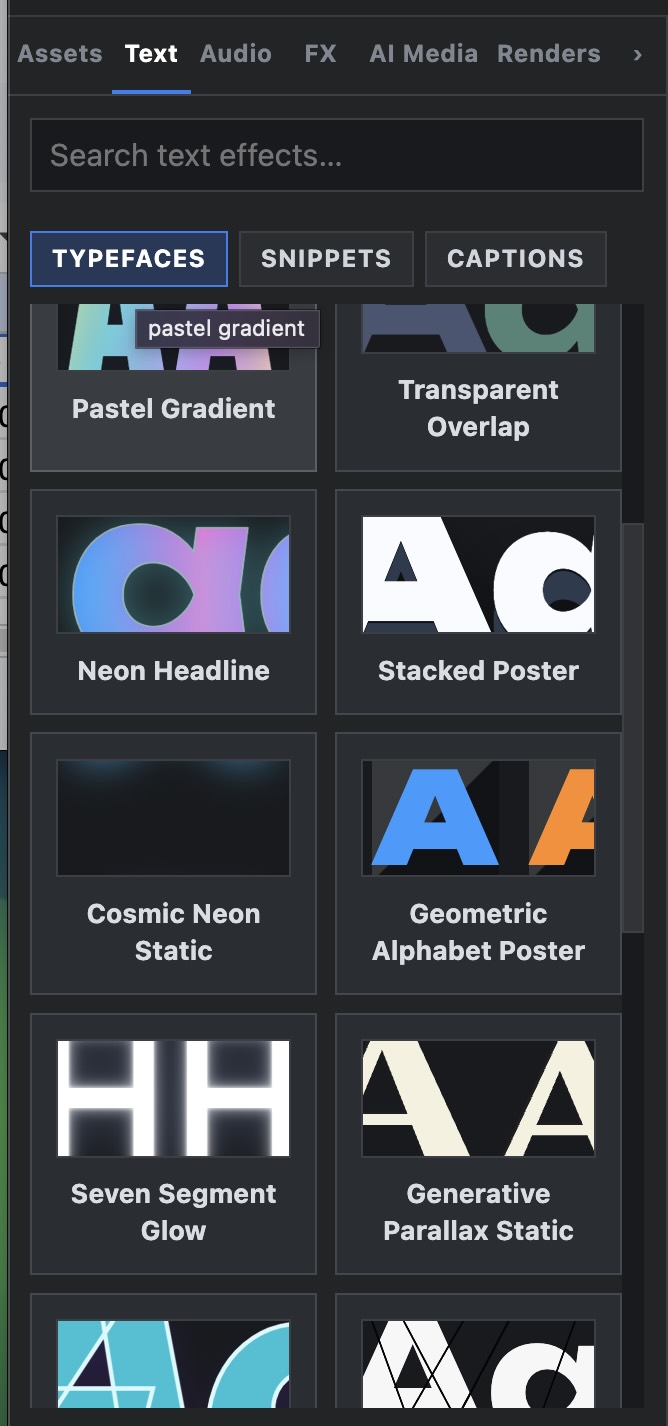
Asset tray — typography
Asset Tray

Everything in one tray.

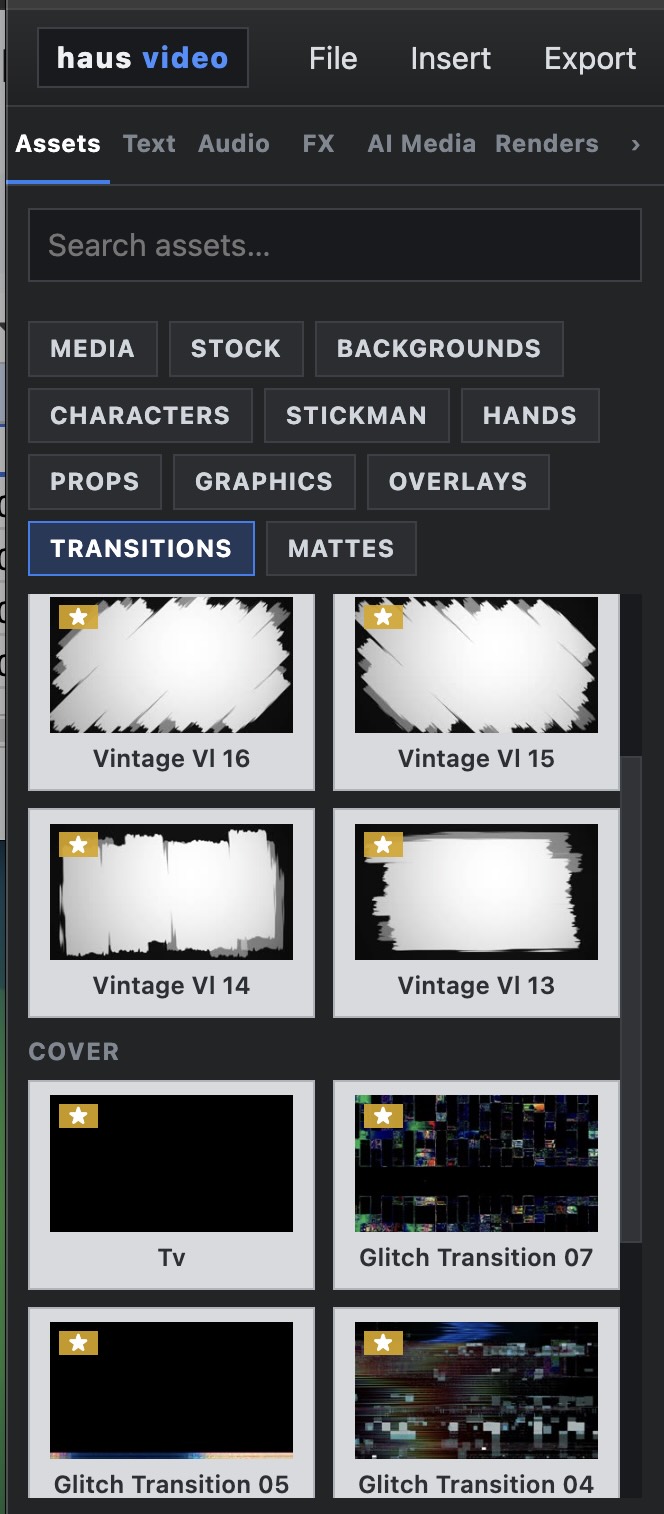
The asset tray is the content layer for every template. Browse, generate, or upload — all without leaving the authoring canvas.

  • Media — upload your own, AI-generate, or search Pexels stock directly inside haus video
  • Typography — type effects and kinetic text styles
  • Music — soundtrack, voiceover, and caption sync
  • FX — motion paths, Trace, and FX plugins
  • Rendered video — pull from your render history
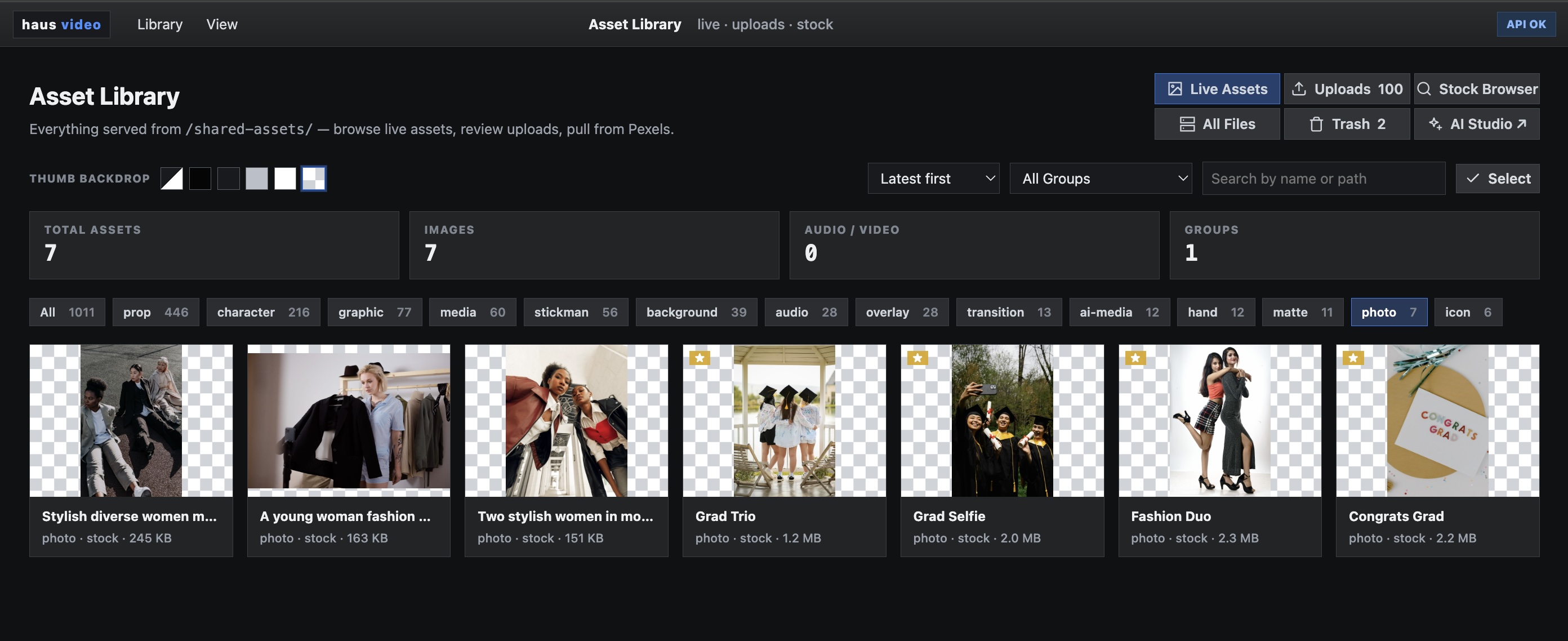
Media library — full asset browser across uploads, Pexels, and generated media

Search Pexels stock images and footage without leaving haus video. Find what you need, click to import — it lands directly in a project or template.
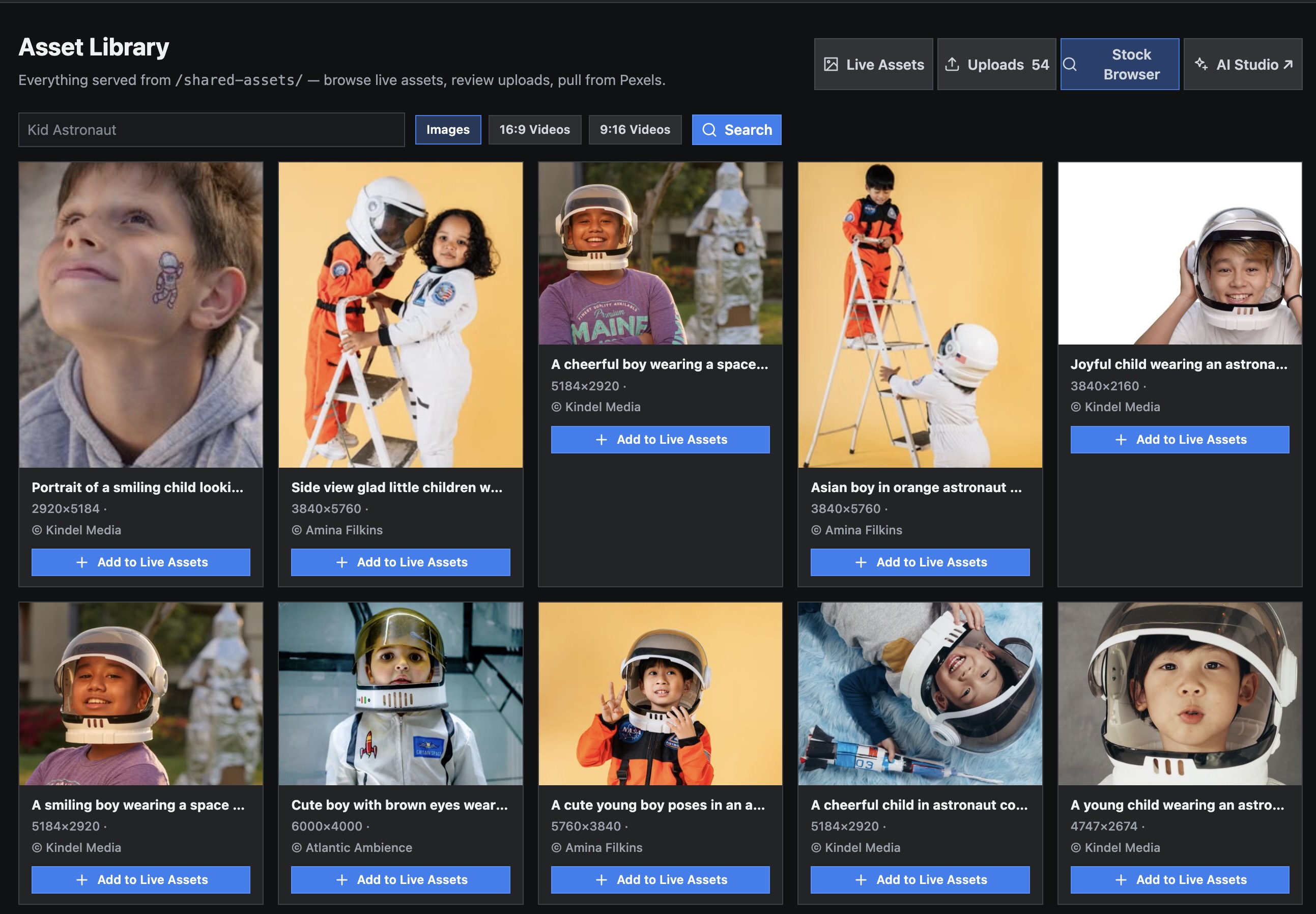
Pexels search interface built into haus video — search and import stock media directly into a template
Motion Design

A full motion path builder. Typography that stops the scroll.

haus video includes a complete motion design environment — not just presets. Build custom motion paths, animate any element along curves and arcs, and apply kinetic typography effects that hook viewers in the first second.

  • Stomp — heavy impact hits that punch text into frame
  • Zoom — push-in and pull-out scales that create urgency
  • Typewriter — character-by-character reveals that hold attention
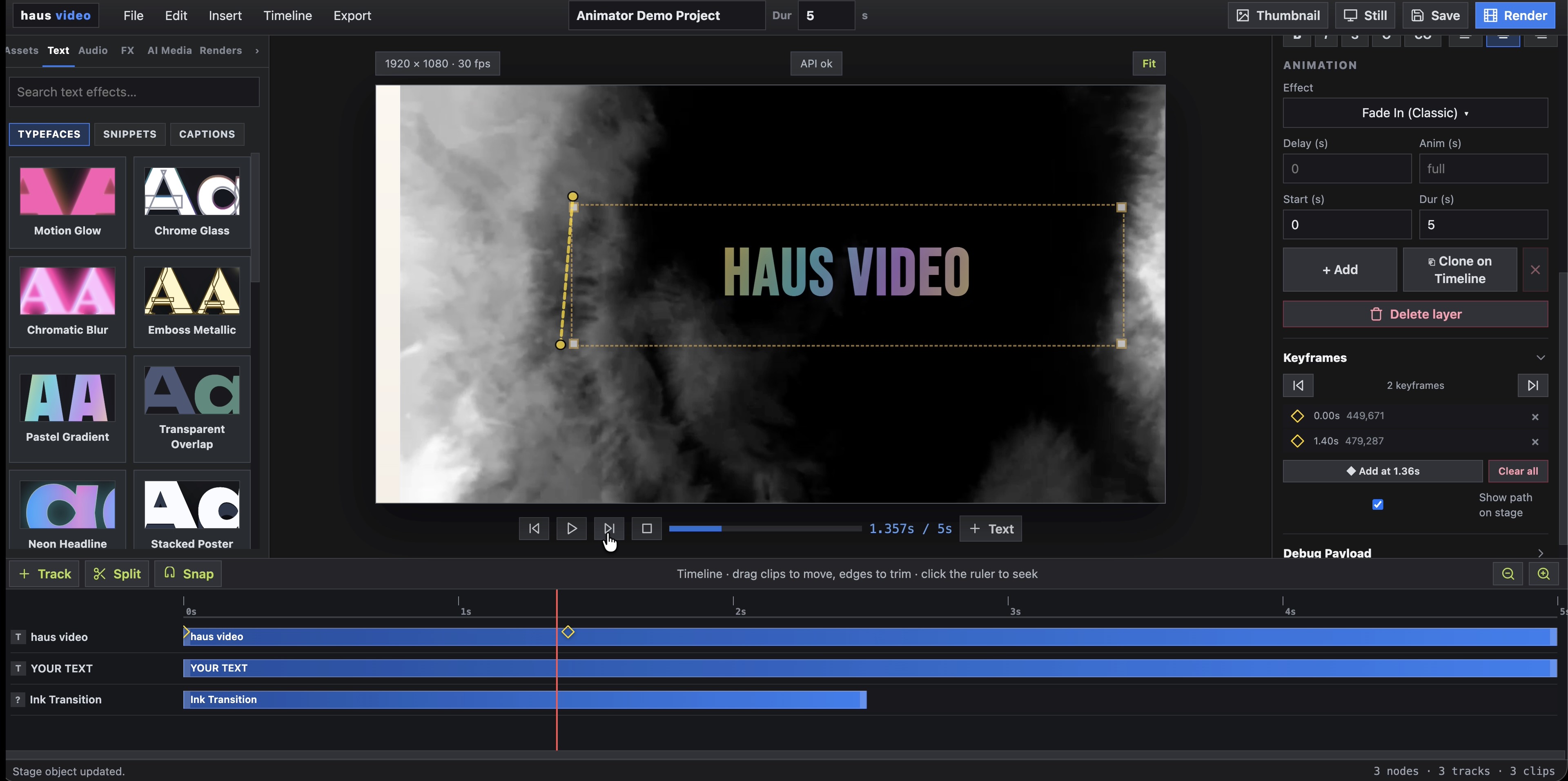
  • Motion path builder — draw curves, arcs, and waypoints to animate any element
  • Per-character and per-word timing — full control over every beat
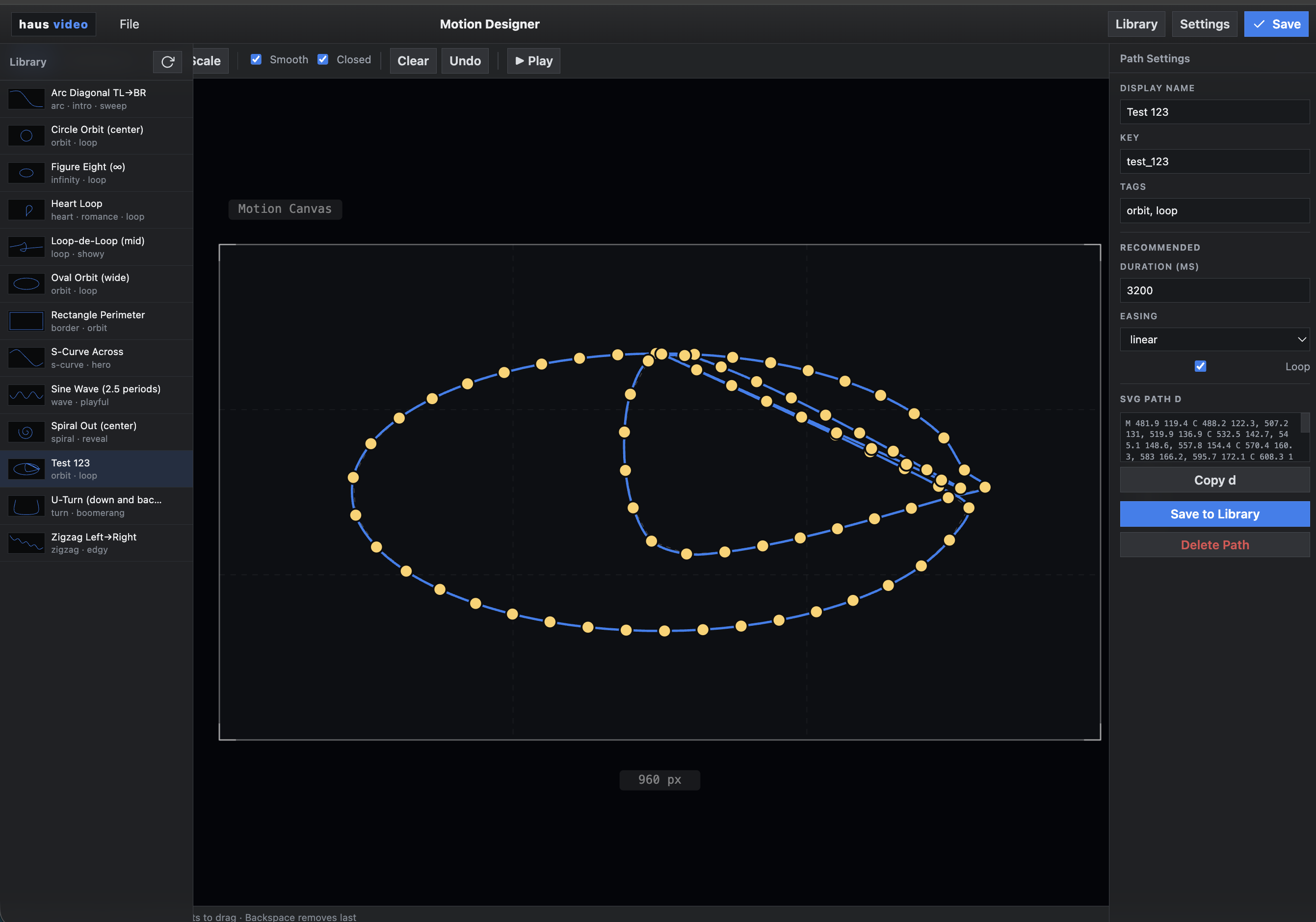
Motion path builder — drawing animation paths in the haus video designer
Kinetic typography with motion paths applied
Animated Code completion

Cool built in FX like code generator for code course type videos.
Effects

Production effects.
Built into the template.

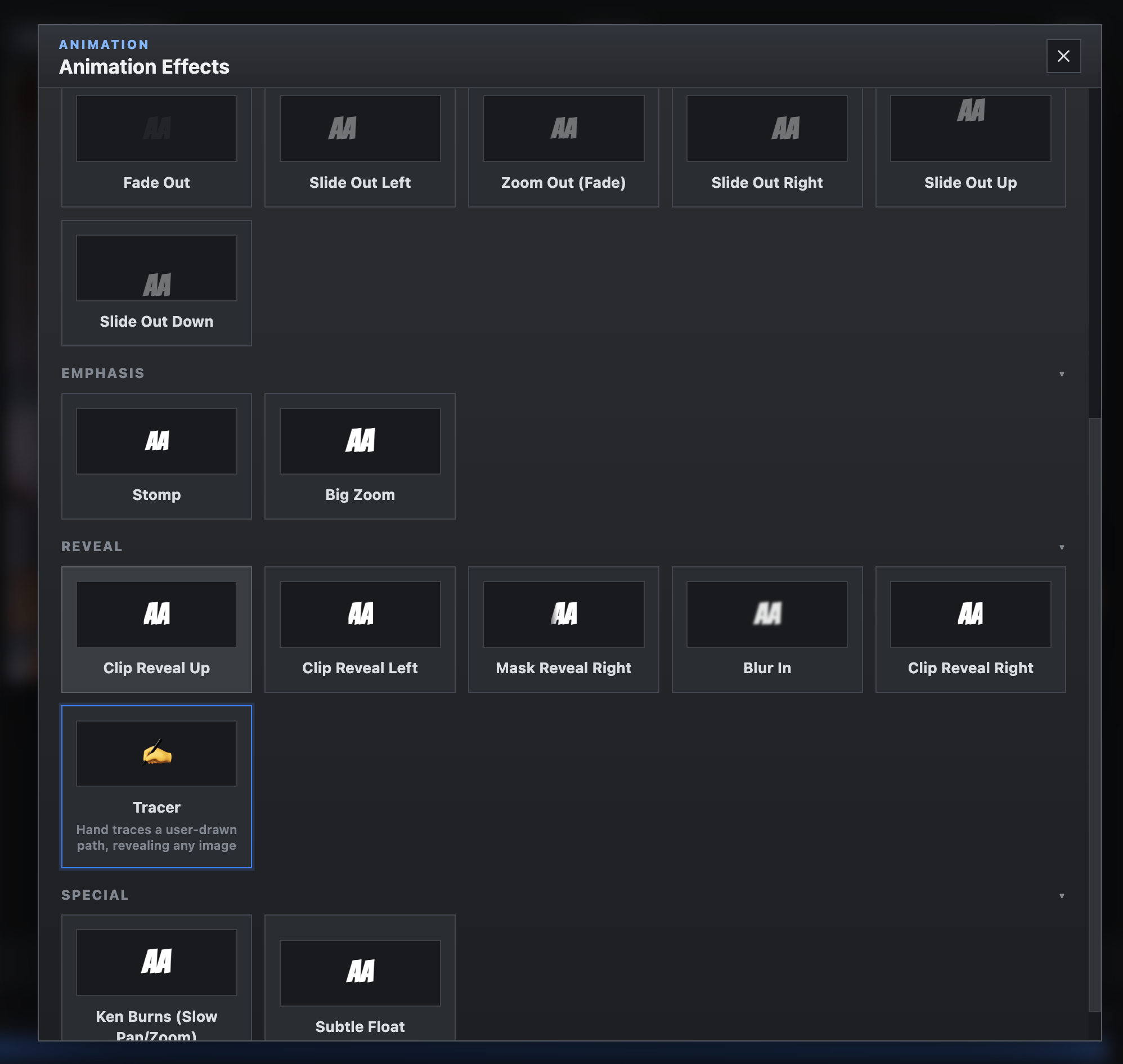
The FX library handles animation work that would take an After Effects artist hours to build. Admins add effects to templates once — end users never touch the timeline.

Effects picker modal — browse and apply FX
Animated Chat

Type your messages. They animate themselves.

The iMessage effect takes user-entered text and renders it as an animated chat sequence — bubbles, timing, and read receipts included.

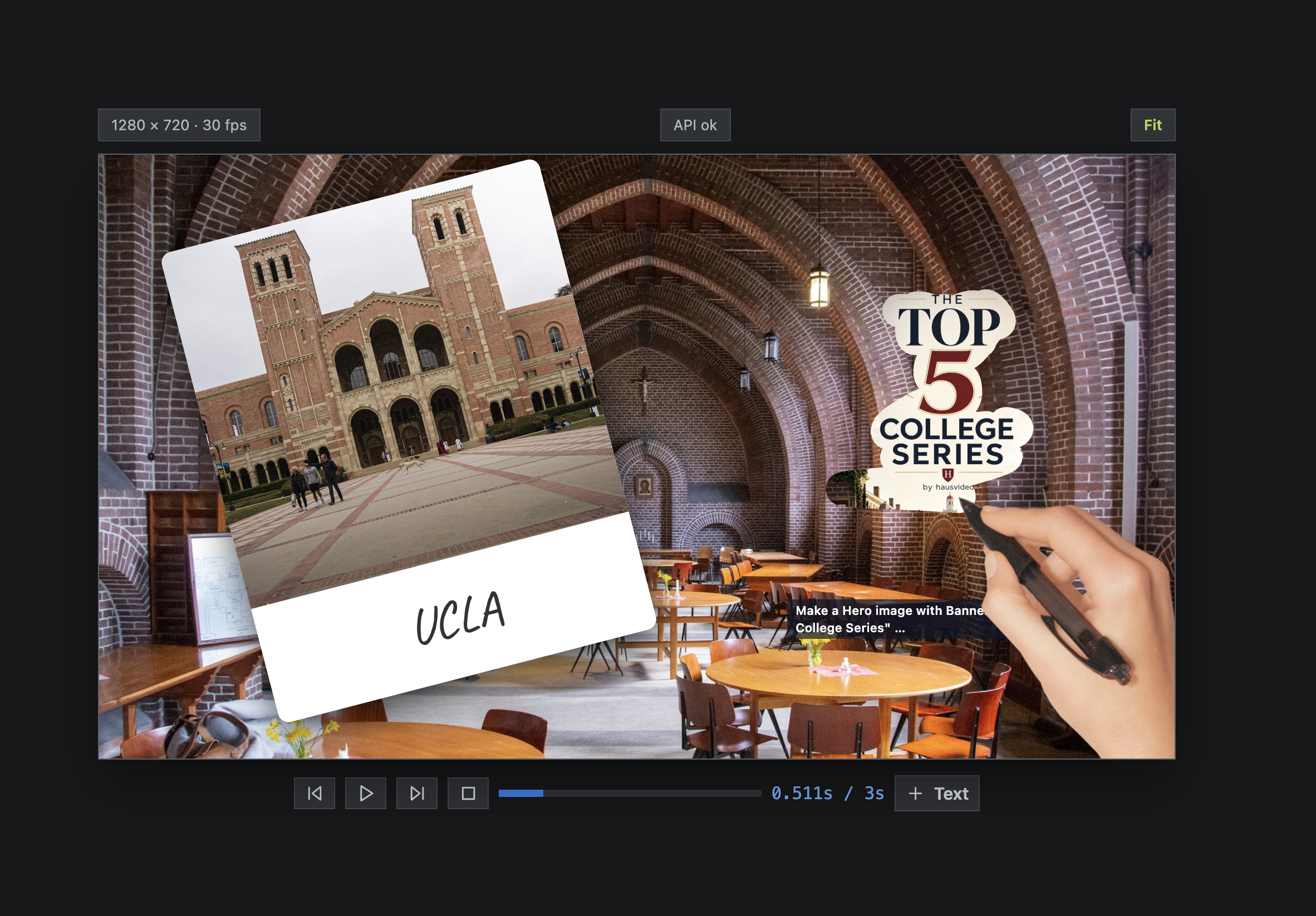
Trace — hand-drawn reveal effect on screen
Trace

Draw a path. Reveal a scene.

Drop a clip, hit Trace, then draw freehand or point-by-point. The effect follows your path to reveal the title card as if hand-drawn.

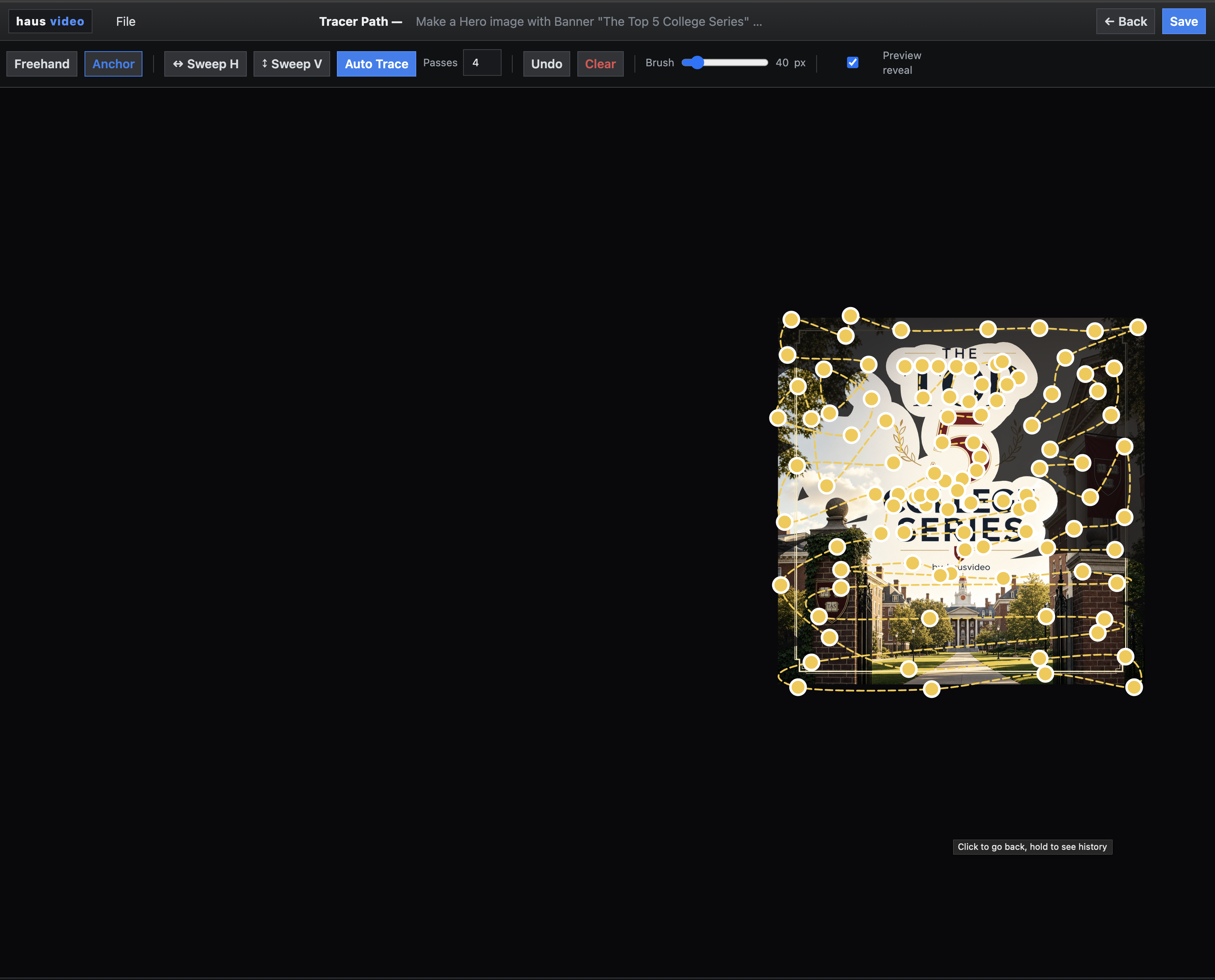
Trace — admin panel drawing a motion path to define the reveal
Trace Editor

WYSIWYG

Drop, anchors, use preset, or trace around a subject you want to reveal. The clip will be position where it will appear on the stage.

Sequences

Structured stories that assemble multiple clips.

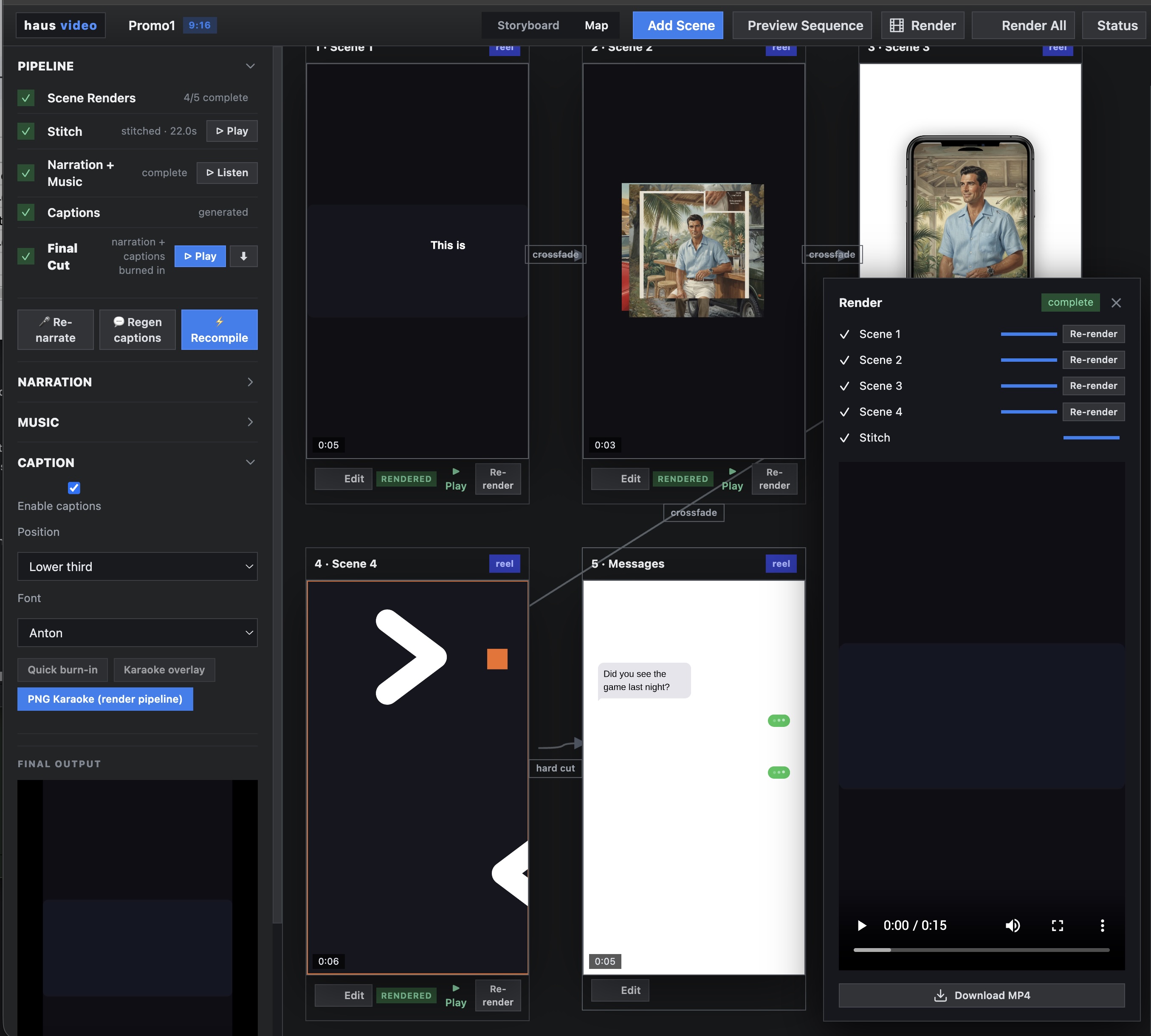
Storyboard mode lets you build multi-part videos as sequences — title card, b-roll, product shot, closing card. Arrange clips in order, set durations, and save the structure as a reusable sequence.

  • Storyboard view — arrange clips in sequence order
  • Saved sequences — reuse the same structure across campaigns
  • Per-clip control — each segment has its own template, timing, and transitions
  • Expannd — add voice over narration, music or captions
Sequence build — four reel projects stitched together in order
Pipelines

Update a row.
Get a video.

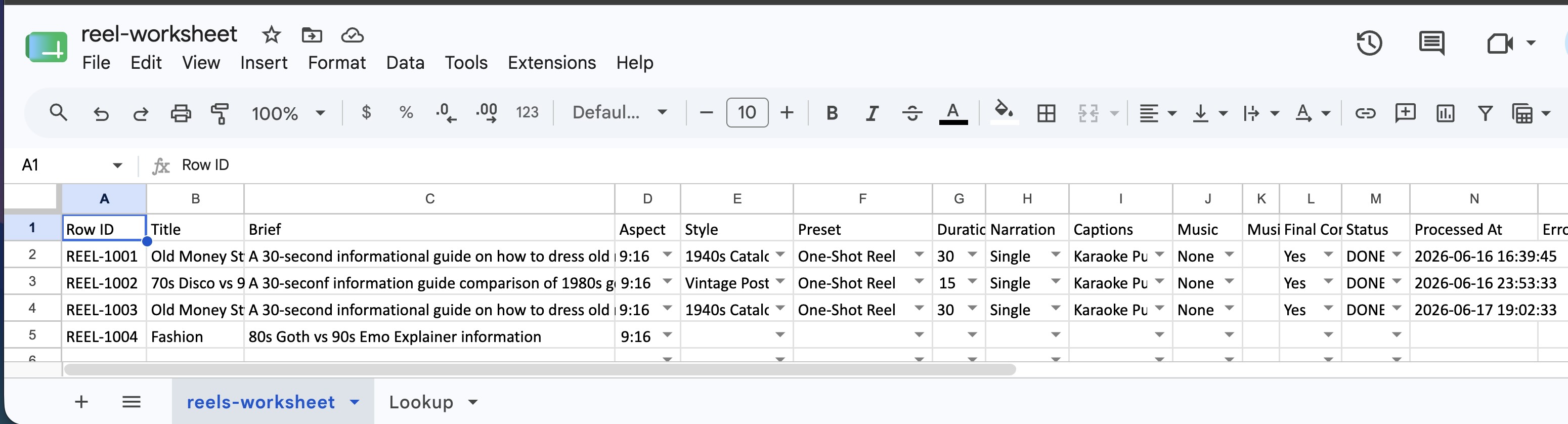
Connect haus video to your existing workflows. Update a row in Google Sheets and the platform automatically assembles the video — pulling template fields from columns, rendering, and delivering output. Scale content production without scaling headcount.

Google Sheets Automated assembly Batch render Column → template field
Google Sheets pipeline — row updates trigger automatic video assembly
Render

Render queue.

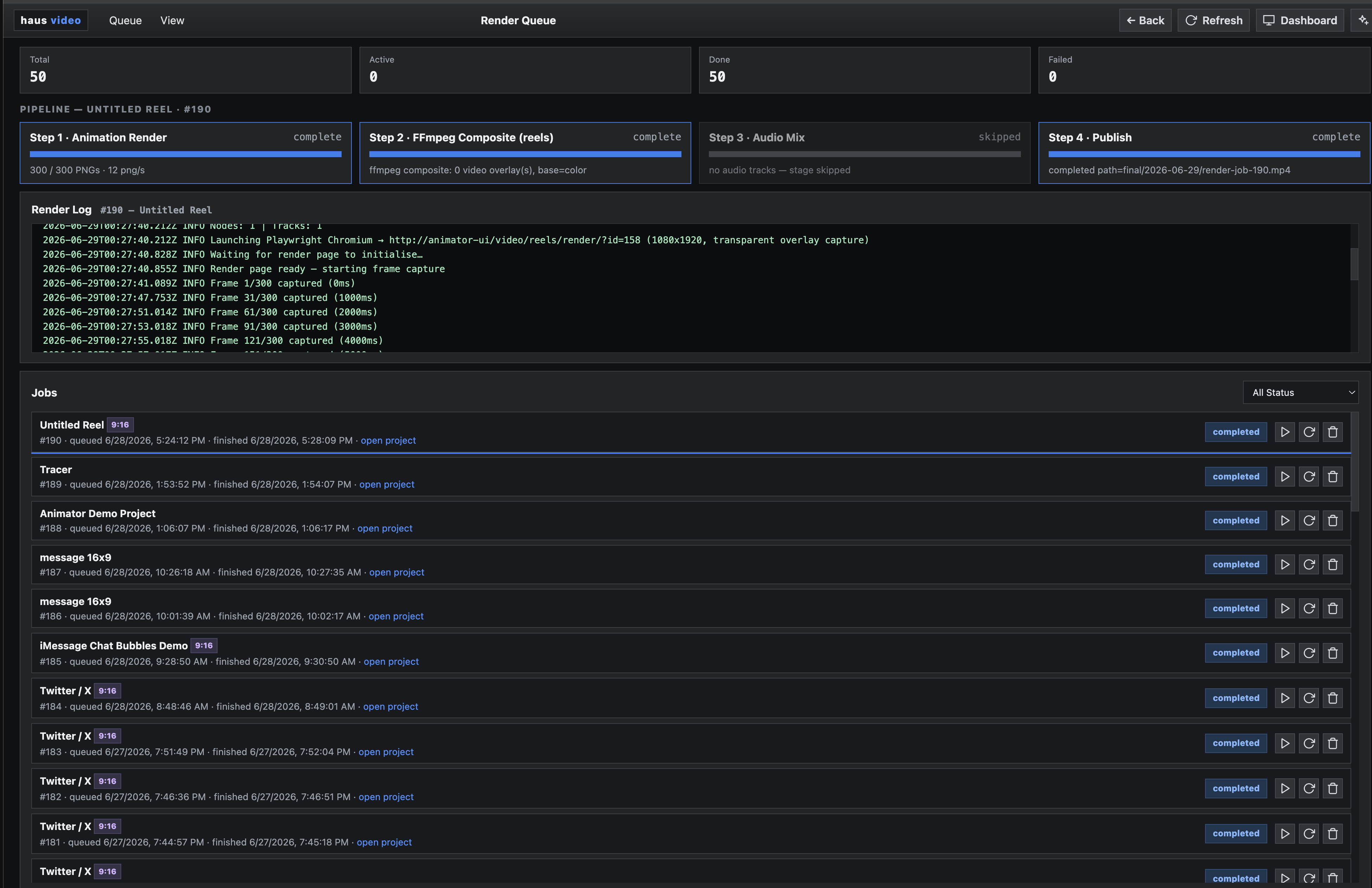
Jobs run in the background. Monitor the queue, pull finished renders, and move on. Single clips and full sequence batches — pipeline-triggered or manual.

Render queue showing active and completed jobs
AI Studio

Need to generate from scratch?

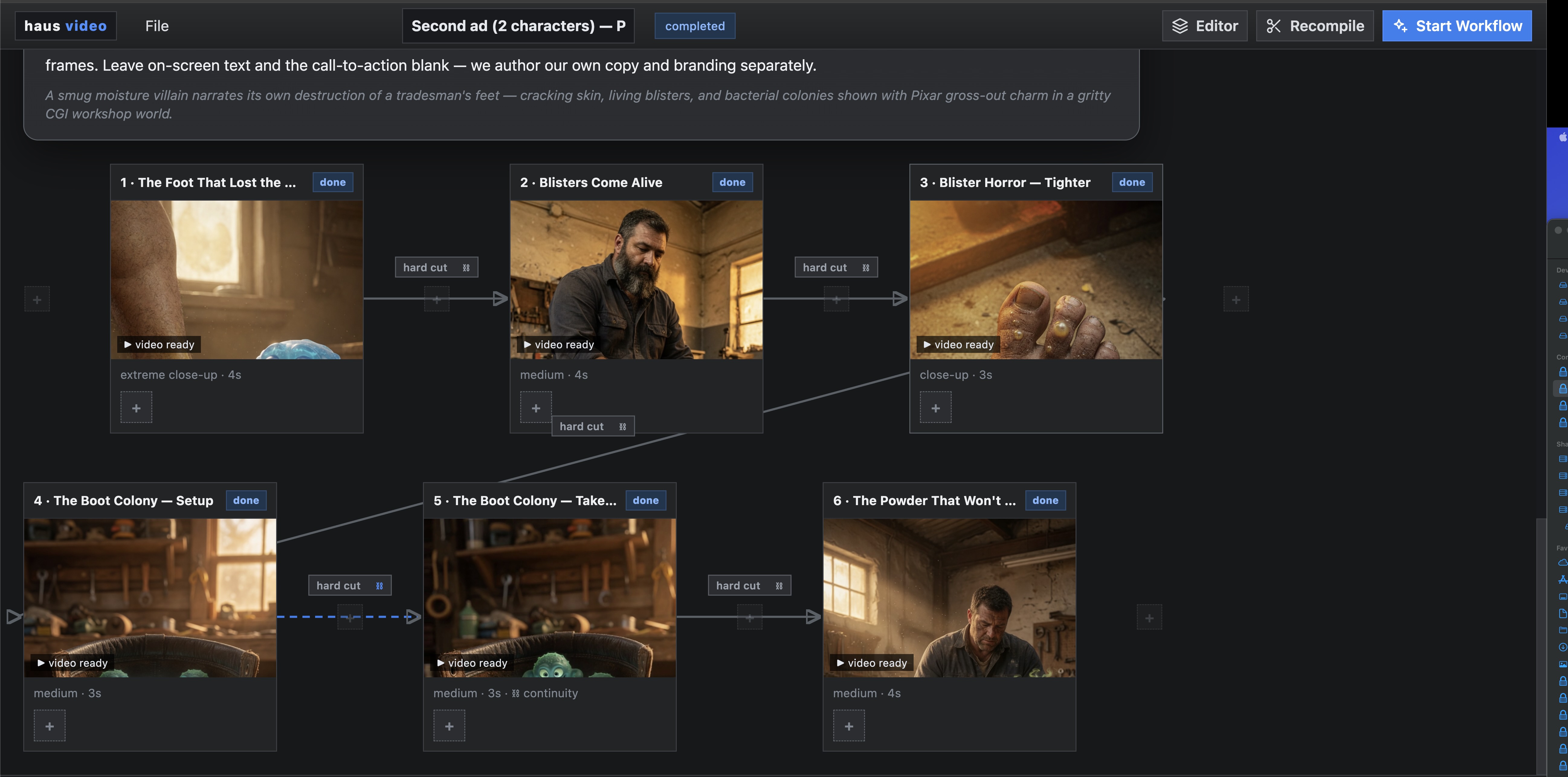
AI Studio adds a storyboard-first generation layer on top of the same platform. Brief in, storyboard out — with Autopilot for one-shot generation or step-by-step Guided Map Mode. Not a separate tool. It runs inside haus video.

AI Studio ideation interface — brief to storyboard